> ## Documentation Index
> Fetch the complete documentation index at: https://docs.altnautica.com/llms.txt
> Use this file to discover all available pages before exploring further.
# Receive
> Detail view of the WFB-rx adapter, channel, signal, and FEC counters.
# Receive
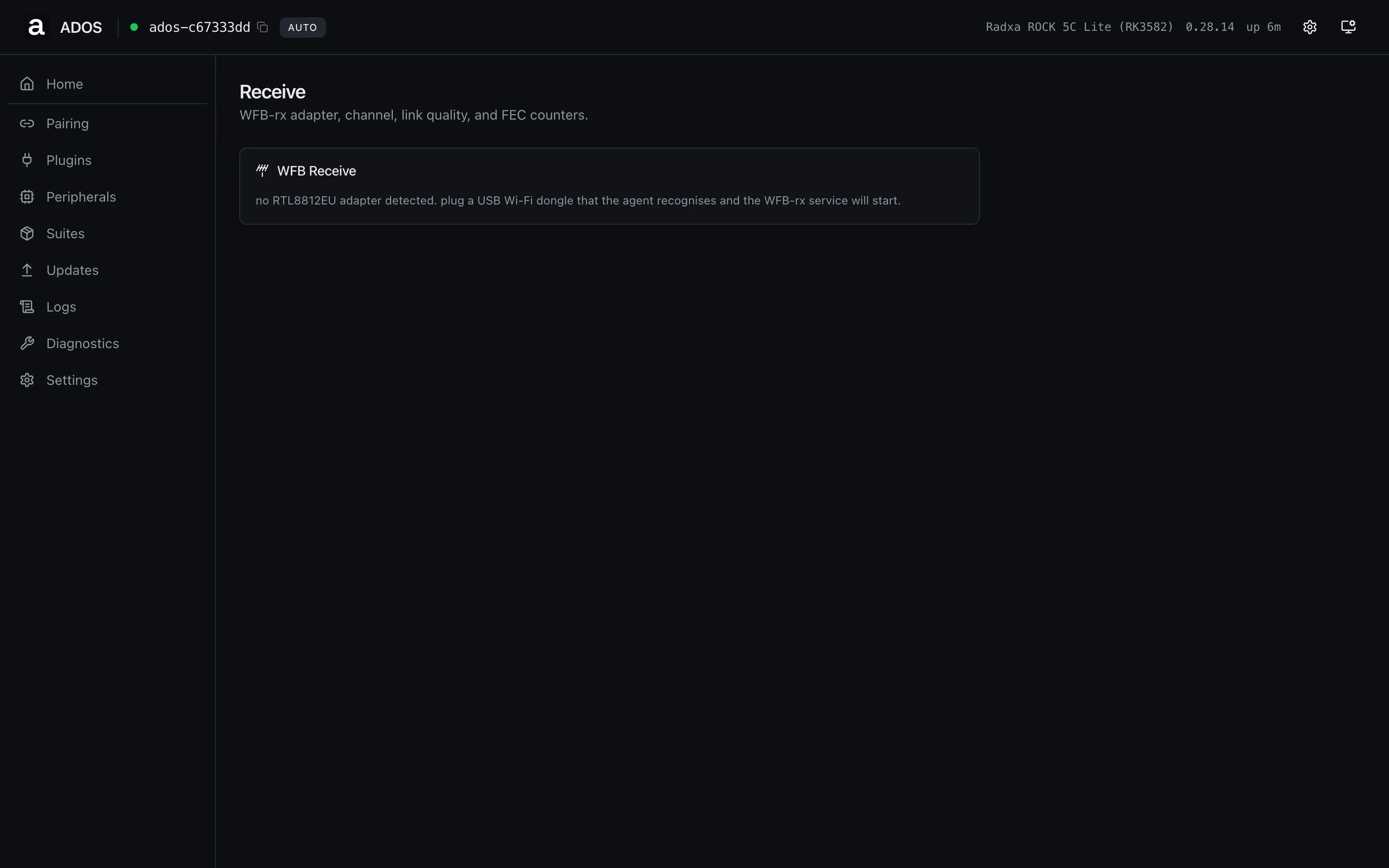
The Receive page is the ground-station counterpart of the drone's Video
page. It surfaces the WFB-rx adapter the agent uses to pull the air
side's video and telemetry stream.
 ## Fields
| Field | Meaning |
| ----------- | ------------------------------------------------------------------------------ |
| Adapter | The RTL8812EU USB Wi-Fi dongle the agent recognised. |
| Channel | Active 802.11 channel (`149`, `36`, etc). |
| Frequency | Channel center frequency in MHz. |
| RSSI | Receive signal strength in dBm. |
| Bitrate | Current downlink bitrate. |
| Packet loss | Rolling percent over the last second. Color codes shift `ok` → `warn` → `err`. |
| FEC | Recovered + failed frames since service start. |
| Streams | Per-stream identifiers the rx is currently demuxing. |
## Empty state
When no RTL8812EU adapter is plugged in, the panel shows a hint to plug
one in and tells you the WFB-rx service will start automatically. The
agent's hot-plug watcher rescans every poll cycle.
## Profile gating
Ground-station only. On a drone profile this URL renders the "Not
available on this profile" panel.
## Backend endpoints
| Method | Path | Purpose |
| ------ | ------------------------------- | --------------------------------- |
| GET | `/api/v1/dashboard/snapshot` | Powers the panel (`wfb_rx` block) |
| GET | `/api/v1/ground-station/wfb` | WFB radio config |
| GET | `/api/v1/ground-station/status` | Service-level state |
## Related
* [WFB-ng configuration](/drone-agent/wfb-ng)
* [WFB pairing](/drone-agent/wfb-pairing)
* [Mesh overview](/ground-agent/mesh-overview)
## Fields
| Field | Meaning |
| ----------- | ------------------------------------------------------------------------------ |
| Adapter | The RTL8812EU USB Wi-Fi dongle the agent recognised. |
| Channel | Active 802.11 channel (`149`, `36`, etc). |
| Frequency | Channel center frequency in MHz. |
| RSSI | Receive signal strength in dBm. |
| Bitrate | Current downlink bitrate. |
| Packet loss | Rolling percent over the last second. Color codes shift `ok` → `warn` → `err`. |
| FEC | Recovered + failed frames since service start. |
| Streams | Per-stream identifiers the rx is currently demuxing. |
## Empty state
When no RTL8812EU adapter is plugged in, the panel shows a hint to plug
one in and tells you the WFB-rx service will start automatically. The
agent's hot-plug watcher rescans every poll cycle.
## Profile gating
Ground-station only. On a drone profile this URL renders the "Not
available on this profile" panel.
## Backend endpoints
| Method | Path | Purpose |
| ------ | ------------------------------- | --------------------------------- |
| GET | `/api/v1/dashboard/snapshot` | Powers the panel (`wfb_rx` block) |
| GET | `/api/v1/ground-station/wfb` | WFB radio config |
| GET | `/api/v1/ground-station/status` | Service-level state |
## Related
* [WFB-ng configuration](/drone-agent/wfb-ng)
* [WFB pairing](/drone-agent/wfb-pairing)
* [Mesh overview](/ground-agent/mesh-overview)