

/logs: a live tail of the agent’s structured logger. Filter by level or logger name.
This page reads the Black Box log store, which is off by default. Turn on
logging.store.enabled to fill it; otherwise use journalctl -u <unit> over SSH. See Black Box.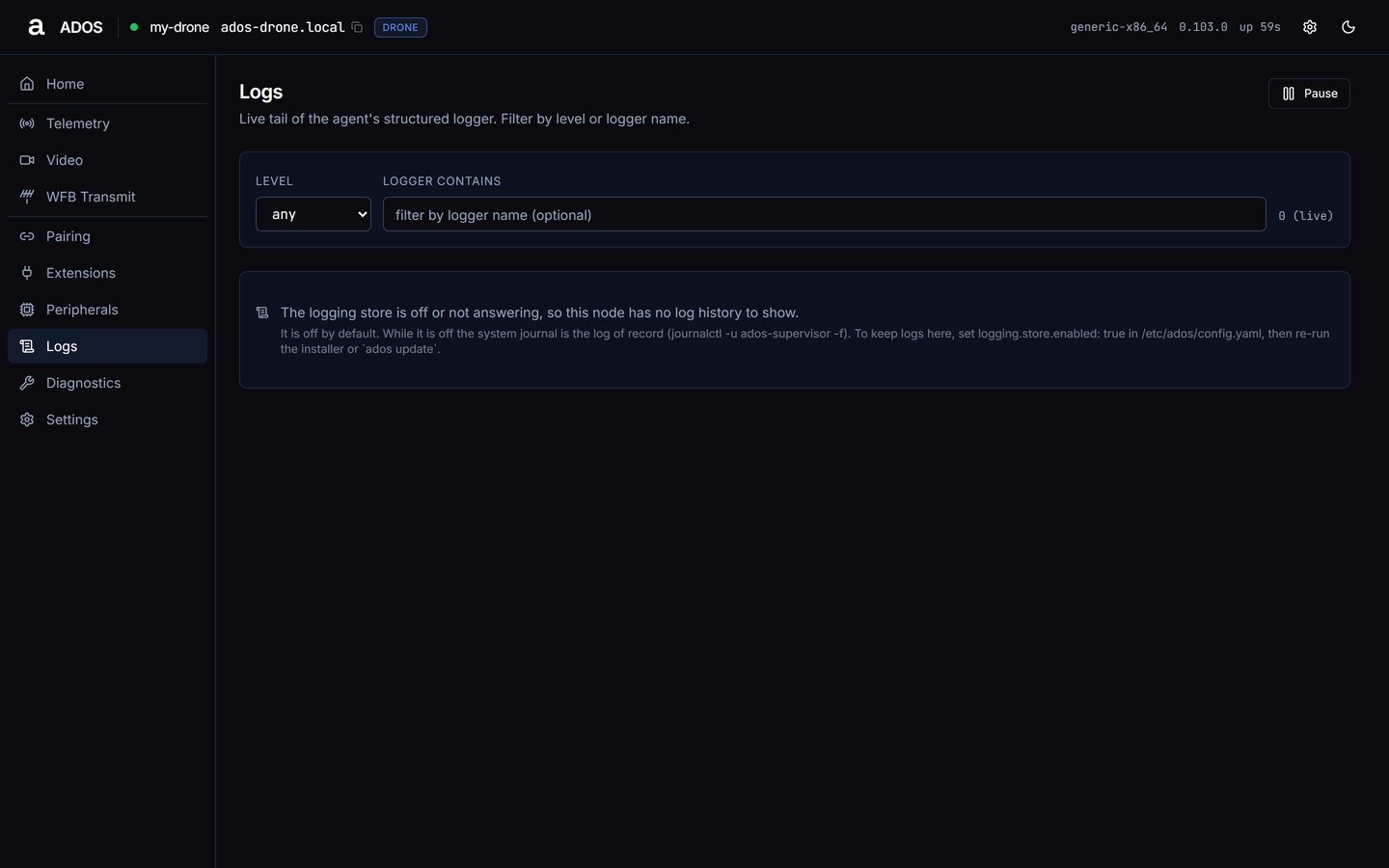
Logs on a node with the store off, the default.
Controls
- Level: any, DEBUG, INFO, WARNING, ERROR or CRITICAL. These are the agent log levels; the agent’s own verbosity is set in Settings → Advanced (default info).
- Logger contains: a text filter on the logger name.
- Pause and Resume: stop and restart the live tail.
(live) while streaming or (poll) on the fallback.
Rows
Each row shows time, level, logger name and message.Data sources
Troubleshooting
No rows
No rows
“The logging store is off or not answering, so this node has no log history to show.” means the store is off (the default) or down; the page shows how to turn it on, and the system journal stays the log of record. “no log entries match the filter.” means the filter matches nothing. “no log entries yet.” means the store is on but has no rows yet.
Next steps
Diagnostics
System metrics, services and reboot.
Black Box
The log store and its defaults.