

/video: live stream, encoder configuration, camera assignment, and latency probe.
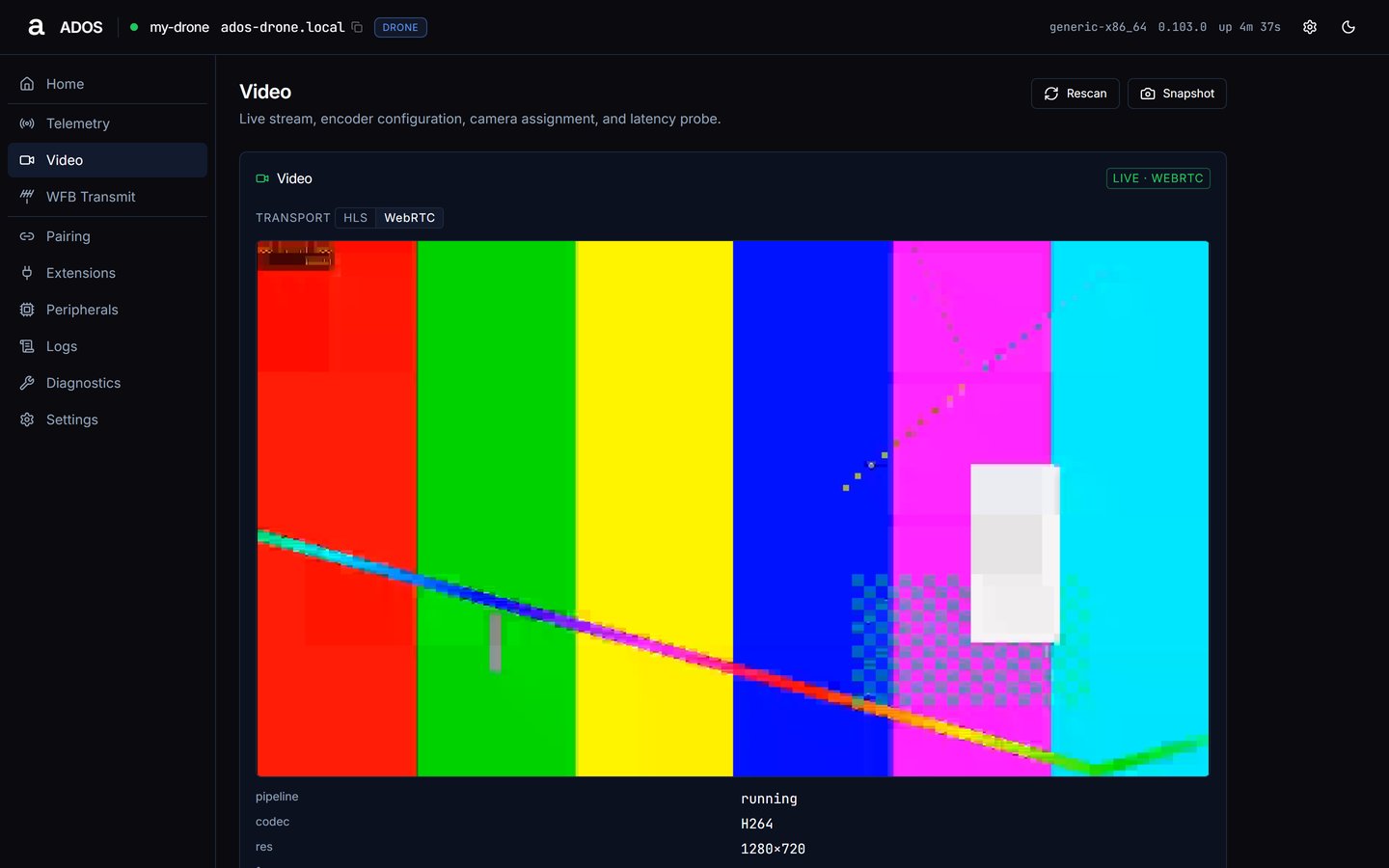
Video with a live stream.
Player
The player streams from the agent itself; the cloud relay is not involved.- Transport chip: HLS or WebRTC, shown when the agent publishes both. The drone tries WebRTC (WHEP) first; a ground station starts on HLS.
- State badge:
live · webrtc,live · hls,webrtc · frozenorhls · frozen,connecting,snapshot(still frame fromGET /api/video/snapshot),errororidle. - g2g row: glass-to-glass latency, when measured.
- Playback pauses while the player is off screen. If a transport fails, the player re-dials, falls back to HLS, then to a still frame.
ados-snapshot-<ms>.jpg with its capture time. Rescan re-reads the camera list and config.
Encoder
Encoder shows the configured codec, resolution, frame rate (fps) and bitrate. The live stream values are on the player above.Radio
A read-only view of the WFB link: channel, band, MCS index, FEC ratio, adaptive FEC, tx power and preset.Link tuning
Edits the live link:
Changes apply to the live link through
POST /api/video/config, and the card re-reads the config.
Latency
latest, ewma, samples and source. The source reads unavailable until the pipeline produces timing samples.Cameras detected
The agent’s latest camera enumeration, refreshed whenever the video pipeline (re)starts. Each row shows the camera label, device path and type. With none it reads “No cameras detected. Plug in a USB UVC camera or a MIPI-CSI module and Rescan.”Data sources
Troubleshooting
The player stays on connecting or snapshot
The player stays on connecting or snapshot
An idle player names the reason: “No camera detected.”, “No stream published.” or “Pipeline idle.” For a camera problem see Cameras detected and Diagnostics. If the pipeline runs but the stream will not play, switch the transport chip to HLS or press Retry.
A camera is missing
A camera is missing
Plug it in and press Rescan. The list itself refreshes when the video pipeline restarts; restart the video service from Diagnostics if needed.
Next steps
WFB Transmit
The drone’s radio transmit state.
Video pipeline
How the agent captures and publishes video.