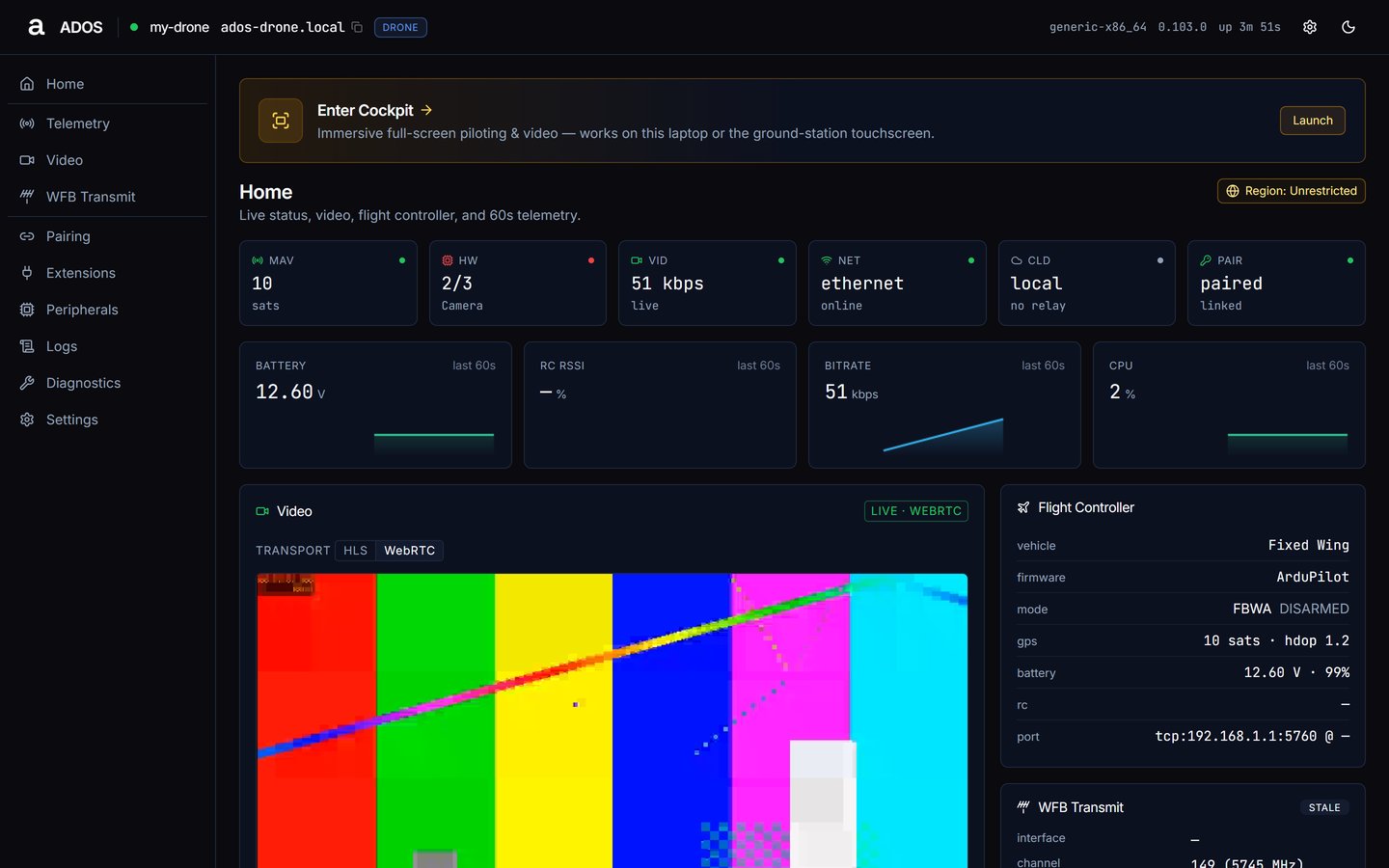
Status tiles, live charts and the per-profile panels on the agent dashboard’s landing page.
Home is the landing page at / and /home. It opens with the Enter Cockpit banner and the Region chip, then six status tiles, four live charts, and a stack of panels that depends on the profile.
Satellites once GPS reports, else linked or off. A Betaflight or iNav FC reads FC linked · <variant> · msp.
HW
Required components ok/total, with the names of any that fail.
VID
Bitrate, or the video pipeline state.
NET
Uplink kind and RSSI in dBm.
CLD
The chosen cloud posture (local, cloud, self_hosted). The relay’s live link state is not reported here.
PAIR
paired · linked once the node is paired with Mission Control (over the LAN or the relay), otherwise the current pairing code, n/a · local mode for an unpaired local node, or unpaired.
The tiles are status only; they do not link to other pages.
Four 60-second charts: Battery (V), RC RSSI (%), Bitrate (kbps), CPU (%). Headlines show the current value, or a dash when the source is gone. CPU comes from GET /api/status; the others come from the dashboard snapshot.
Video: the live stream with an HLS / WebRTC transport chip. The drone tries WebRTC (WHEP) first. If neither plays, the panel falls back to a still frame from GET /api/video/snapshot. See Video.
Flight Controller: vehicle, firmware, mode with ARMED or disarmed, gps (sats · hdop), battery (V · %), rc, port. A Betaflight or iNav FC shows firmware, telemetry via MSP and port.
WFB Transmit: interface, channel (MHz), bandwidth, tx power and its maximum, MCS, domain, bitrate, packets, restarts. See WFB Transmit.
Cloud Relay: mode, broker, status post and Pairing. In local posture it reads “Relay disabled. Mission Control reaches this drone over the LAN.”
Hardware: detected components with their state, and a Rescan button.
Network: the active uplink and its interfaces.
Services: each agent unit with its state.
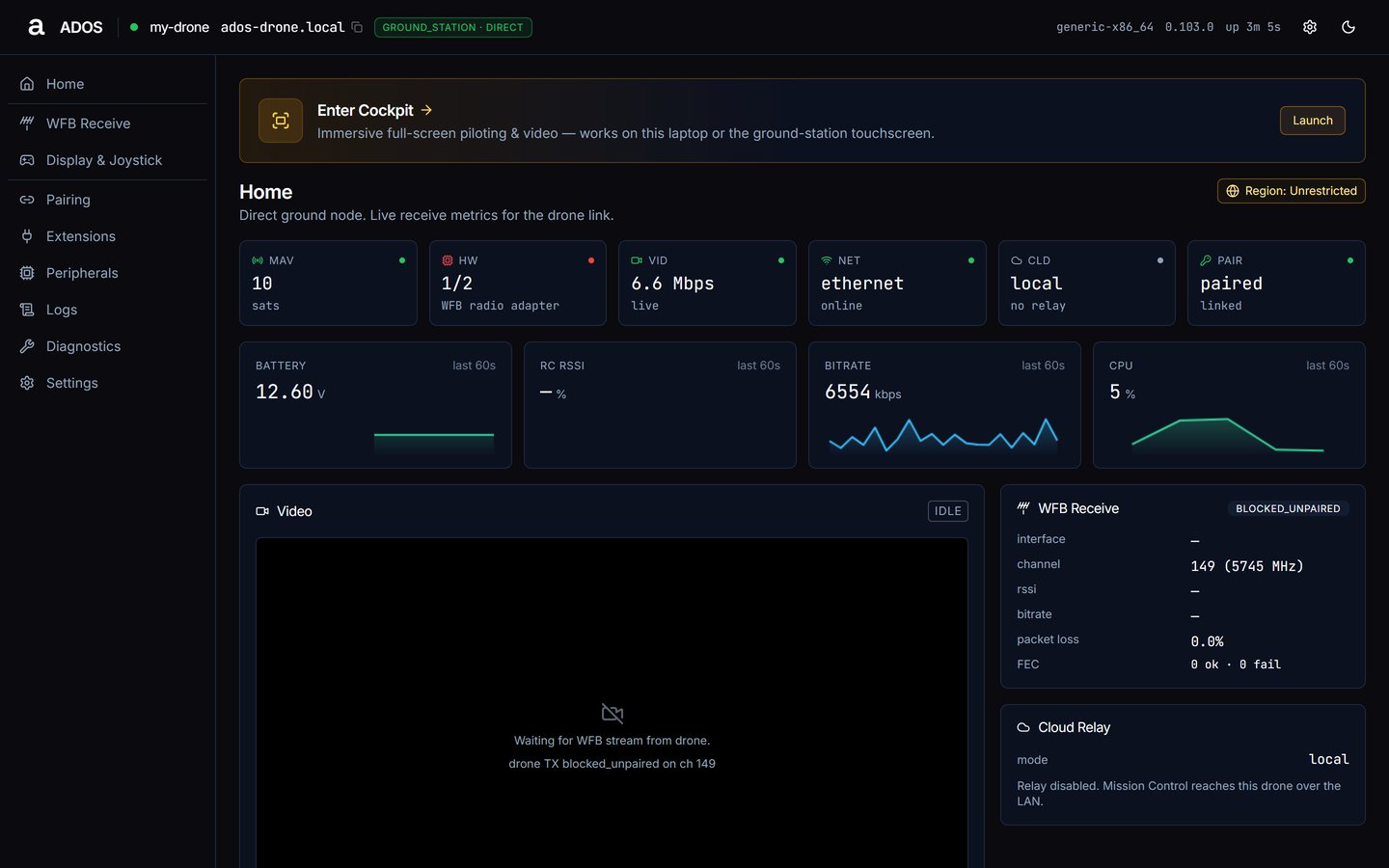
Home on a ground station in the direct role.
Same tiles and charts as the drone. Panels: Video, WFB Receive, Cloud Relay, then Mesh (relay, receiver) and Sources (receiver), Hardware, Network, Services.
Video tries HLS first and reads “Waiting for WFB stream from drone.” until frames arrive.
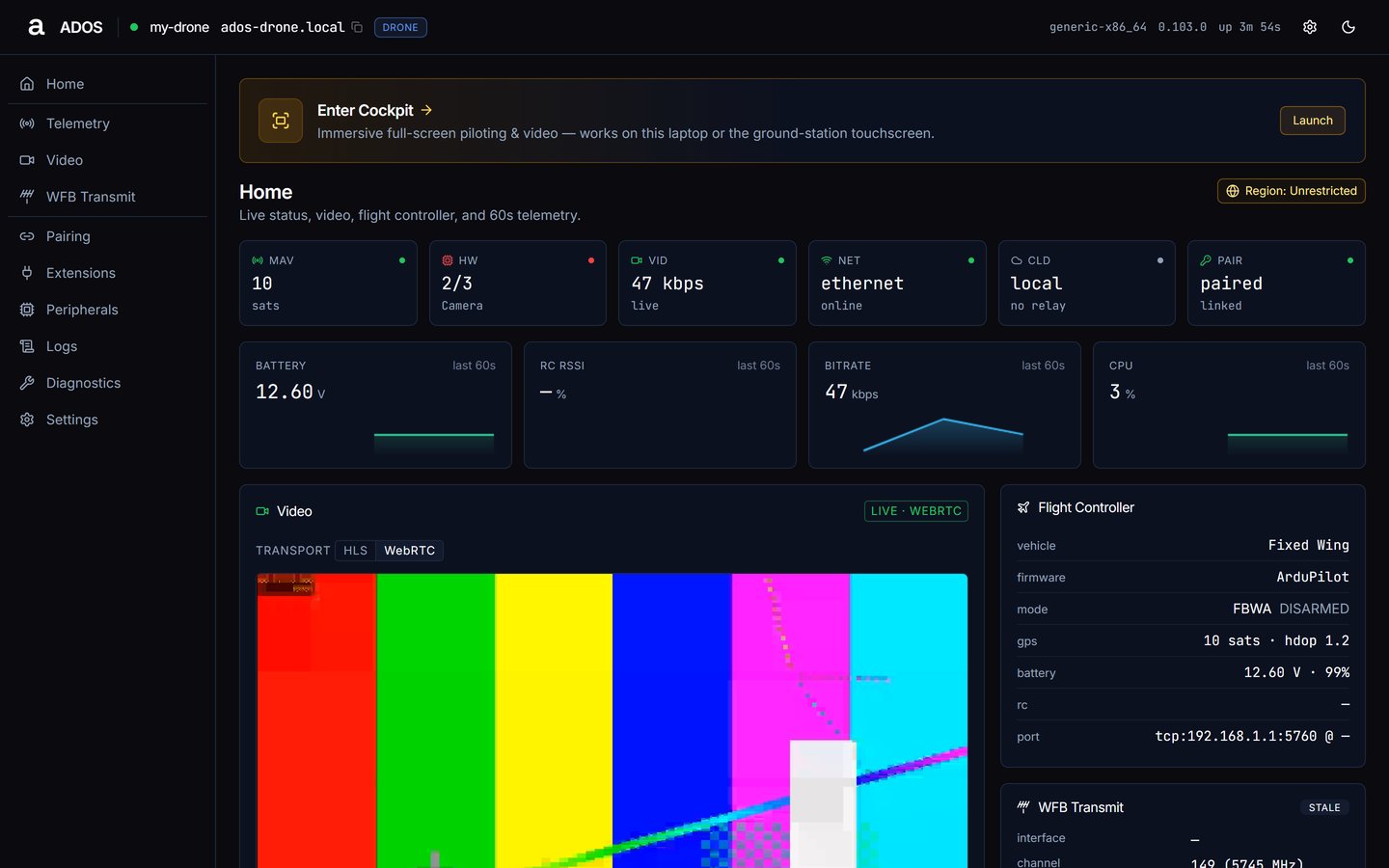
The tile names the failing required component. Open the Hardware panel for its detail and fix hint, fix the connection, then press Rescan.
Home with a required component missing.
Camera does not appear
The Video panel reads “No camera detected.” and the Video page reads “No cameras detected.” Plug the camera in and open Video → Rescan. If it still does not appear, check Peripherals and restart the video service from Diagnostics.
Cloud Relay says awaiting code…
The node is in a cloud posture, unpaired, and you are not on its own network. Open the dashboard from the node’s LAN, hotspot or USB link to see the code.