

Plugins
The Plugins page is the operator UI for the agent’s plugin system. Drop a signed.adosplug archive in, grant the permissions it asks for,
enable it, and the agent runs it as a subprocess under the
ados-plugins.slice systemd cgroup.
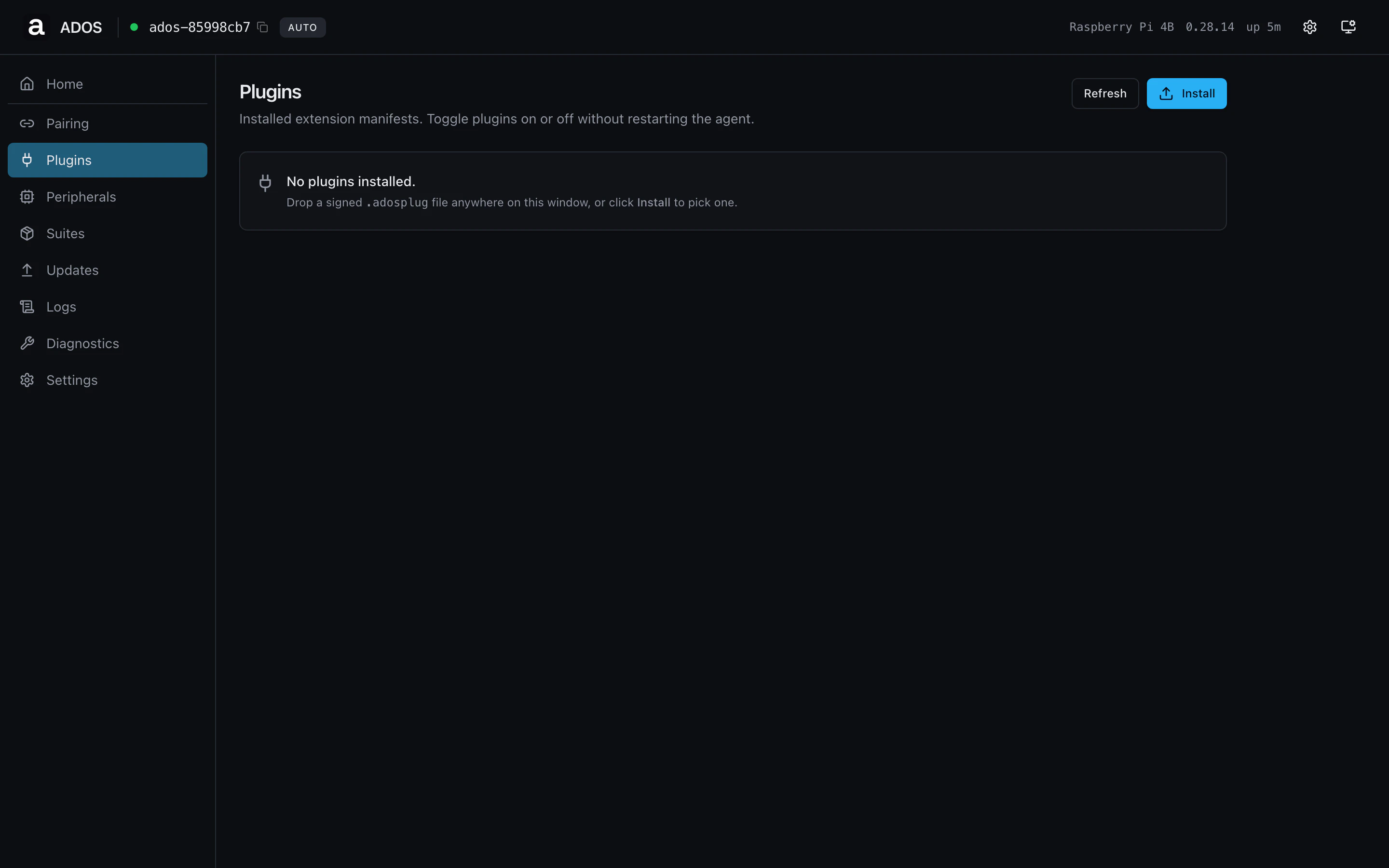
Plugins page with installed plugins listed.
Sections
Install
Drag a.adosplug archive onto the dropzone, or click Install and
pick the file. The agent parses the manifest, validates the Ed25519
signature, and shows a pre-install dialog with the requested
permissions and a risk badge (low, medium, high, critical).
Approve the permissions and the install proceeds. The installed plugin
appears in the list below in disabled state.
Installed plugins
One row per installed plugin. Each row shows name, version, state (enabled / disabled / error), and a short summary line. Click a
row to open the detail panel with the full manifest, granted
permissions, and the runtime log.
Per-plugin actions
Profile gating
Shared route, visible on both profiles.Backend endpoints
Troubleshooting
Install dialog rejects the archive
Install dialog rejects the archive
The most common causes are an unsigned archive (signing key not in the
agent’s trust list) or a manifest version the agent does not yet
support. The dialog shows the specific failure reason.
Plugin shows `error` after enable
Plugin shows `error` after enable
Open the plugin detail panel and read the runtime log. Common causes
are a missing permission the manifest didn’t pre-declare, or a Python
import error at boot.